


- Posted on
- Shaheryar Khan
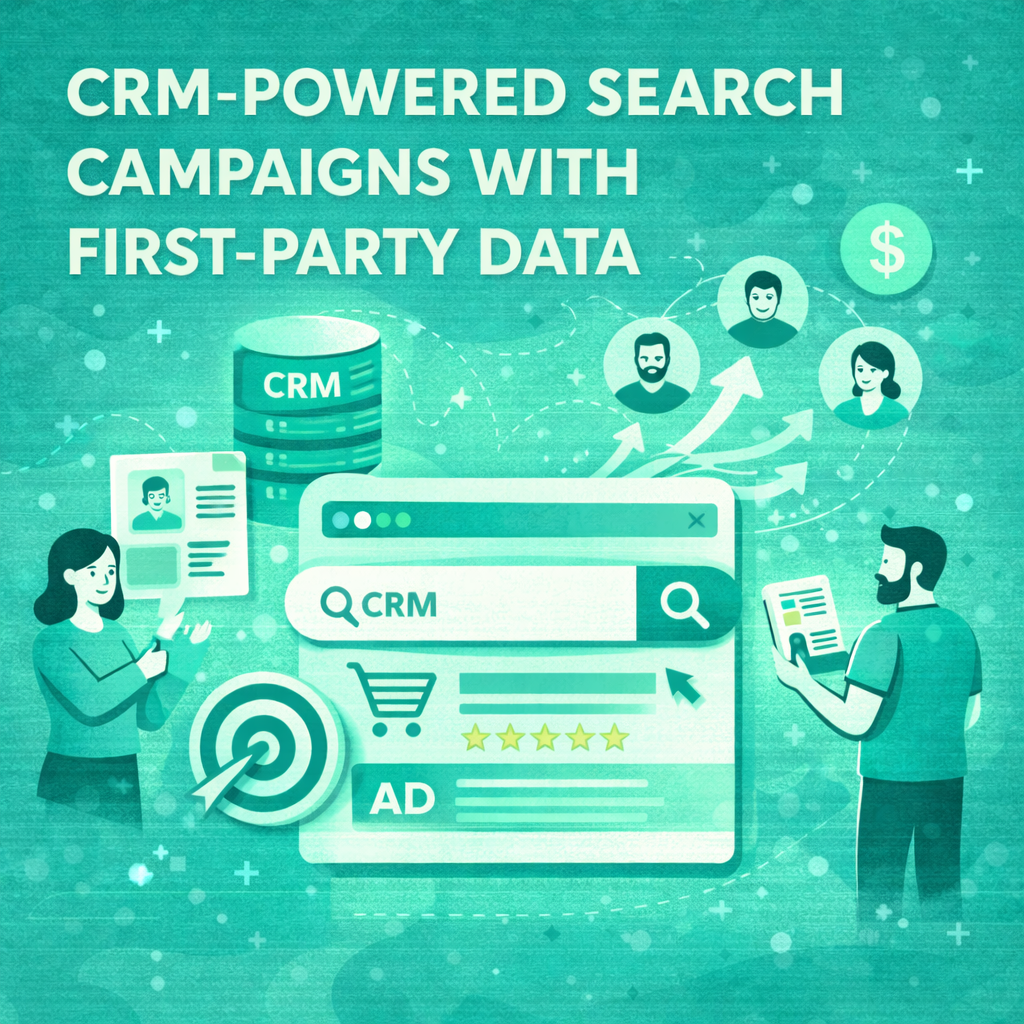
CRM Powered Search Campaigns with First Party Data
As third-party cookies phase out, marketers are shifting their focus to a more reliable and valuable asset: first-party data. This information, collected directly from your audience, provides unparalleled insights into customer behavior and preferences. For paid search professionals, leveraging this data is no longer just an option—it is essential for creating effective, high-return campaigns.
Integrating your Customer Relationship Management (CRM) system with platforms like Google Ads allows you to build sophisticated, data-driven paid search strategies. This approach enables you to move beyond broad keyword targeting and reach specific, high-value customer segments with personalized messaging. This guide will explain how to set up CRM-powered search campaigns, outline the benefits of first-party data marketing, and provide actionable steps to get started.
What is First-Party Data?
First-party data is information that your company collects directly from its customers and audience with their consent. This data comes from a variety of sources, including:
- Website Analytics: User behavior, pages visited, and time spent on site.
- CRM Systems: Customer purchase history, contact information, and interactions with your sales team.
- Email Marketing Platforms: Open rates, click-through rates, and subscriber preferences.
- Mobile Apps: In-app behavior, usage patterns, and location data.
- Surveys and Feedback Forms: Direct responses and opinions from your customers.
Because this data comes straight from your audience, it is highly accurate and relevant. It provides a direct line of sight into who your customers are, what they need, and how they interact with your brand.
The Power of a Google Ads CRM Integration
Connecting your CRM to Google Ads is the foundational step in building powerful, data-driven search campaigns. This integration allows you to sync your customer data, creating a seamless flow of information that can be used to refine your advertising efforts.
The primary mechanism for this is Customer Match. This Google Ads feature lets you upload a list of customer contact information (like email addresses or phone numbers) from your CRM. Google then matches this information to its user database, allowing you to create custom audiences for targeting or exclusion in your campaigns. This direct link between your customer data and your ad platform unlocks a new level of precision in paid search.
Benefits of Data-Driven Paid Search
Integrating your first-party data into your search strategy offers significant advantages:
- Enhanced Audience Targeting: Create highly specific audience segments based on real customer attributes. You can target existing customers with upsell opportunities, re-engage lapsed customers, or exclude current clients from acquisition campaigns to optimize your ad spend.
- Increased Personalization: Tailor your ad copy and landing pages to resonate with different customer segments. A loyal customer might see a message about an exclusive offer, while a prospective lead might see an ad highlighting a key product benefit that aligns with their known interests.
- Improved ROAS (Return on Ad Spend): By focusing your budget on high-value audiences who are more likely to convert, you reduce wasted ad spend and increase the overall efficiency of your campaigns.
Better Lookalike Audiences: Once you have a strong seed list of your best customers, you can use it to create lookalike (or “similar”) audiences. Google’s algorithm will find new users who share characteristics with your existing high-value customers, expanding your reach to a relevant new audience.
How to Use CRM Data in Google Ads: A 4-Step Setup
Setting up your first CRM-powered campaign involves a few key steps. The process centers on preparing your data, uploading it to Google Ads, and then applying those audiences to your campaigns.
Step 1: Segment Your CRM Data
The first step is to identify your objective and segment your customer data accordingly. Your goal will determine which customer segments are most valuable.
Consider these potential segments:
- High-Value Customers: Customers with the highest lifetime value (LTV) or recent high-value purchases.
- Repeat Customers: Loyal clients who have made multiple purchases.
- Lapsed Customers: Customers who haven’t made a purchase in a specific timeframe (e.g., the last 90 days).
- Specific Product Interest: Customers who have purchased or shown interest in a particular product category.
- Newsletter Subscribers: Engaged users who have not yet converted into paying customers.
Export these segments from your CRM into a CSV file. Ensure the data is properly formatted according to Google’s guidelines, which includes hashing the data for privacy before uploading.
Step 2: Create Customer Match Audiences
With your segmented lists ready, it’s time to upload them into Google Ads.
- Navigate to Tools and Settings > Shared Library > Audience Manager.
- Click the blue “+” button and select Customer list.
- Name your audience list descriptively (e.g., “High-Value Customers – LTV > $500”).
- Upload your formatted CSV file.
- Set a membership duration, which determines how long a user stays on the list.
- Click Upload & Create List.
Google will then begin the matching process, which can take up to 48 hours. You will be able to see the match rate and the size of your audience once it’s complete.
Step 3: Apply Audiences to Your Campaigns
Once your Customer Match audiences are populated, you can apply them to your search campaigns. You have two main options for this:
- Targeting: This setting restricts your ads to only show to users within your specified audience list. This is ideal for remarketing or exclusive offer campaigns aimed at existing customers.
- Observation: This setting allows your ads to show to everyone who meets your other targeting criteria (like keywords), but it also lets you bid differently for users on your audience list. You can apply a positive bid adjustment to increase your bids for high-value segments, improving your chances of winning the ad auction for these valuable users.
For most CRM-powered search campaigns, the “Observation” setting with bid adjustments is the most effective strategy. It ensures you don’t miss out on new customers while still prioritizing your most valuable segments.
Step 4: Measure, Analyze, and Refine
The final step is to monitor the performance of your campaigns. Pay close attention to how your different CRM segments are performing.
- Go to the Audiences tab within your campaign or ad group.
- Analyze key metrics like click-through rate (CTR), conversion rate, and cost-per-acquisition (CPA) for each audience segment.
- Use these insights to refine your bid adjustments. If your “High-Value Customers” segment is converting at a much higher rate, consider increasing the bid adjustment. If a “Lapsed Customers” segment isn’t performing well, you might lower the bid or try different ad copy.
Continuously test and refine your segments and bidding strategies to maximize the performance of your data-driven paid search efforts.
Automating Your Google Ads CRM Integration
Manually exporting and uploading CSV files can be time-consuming, especially if you want to keep your audience lists fresh. Several CRM platforms and third-party connectors offer direct integrations with Google Ads, allowing you to automate the process.
Platforms like HubSpot, Salesforce, and Zapier can automatically sync your CRM segments with your Google Ads Customer Match lists. This ensures your audiences are always up-to-date, reflecting the latest customer data without any manual intervention. An automated Google Ads CRM integration is the most efficient way to manage first-party data marketing at scale.
A Smarter Path to Paid Search Success
Leveraging first-party data is the future of digital advertising. By integrating your CRM with your search campaigns, you can create more relevant, personalized, and efficient advertising that drives real business results. The shift away from third-party cookies presents a challenge, but it also offers an opportunity for marketers to build deeper, more meaningful relationships with their customers.
Start by exploring your existing customer data, identify your most valuable segments, and take the first steps toward launching your own CRM-powered search campaigns. The insights you gain will not only improve your paid search performance but will also provide a competitive advantage in an increasingly data-driven world.