


- Posted on
- Shaheryar Khan
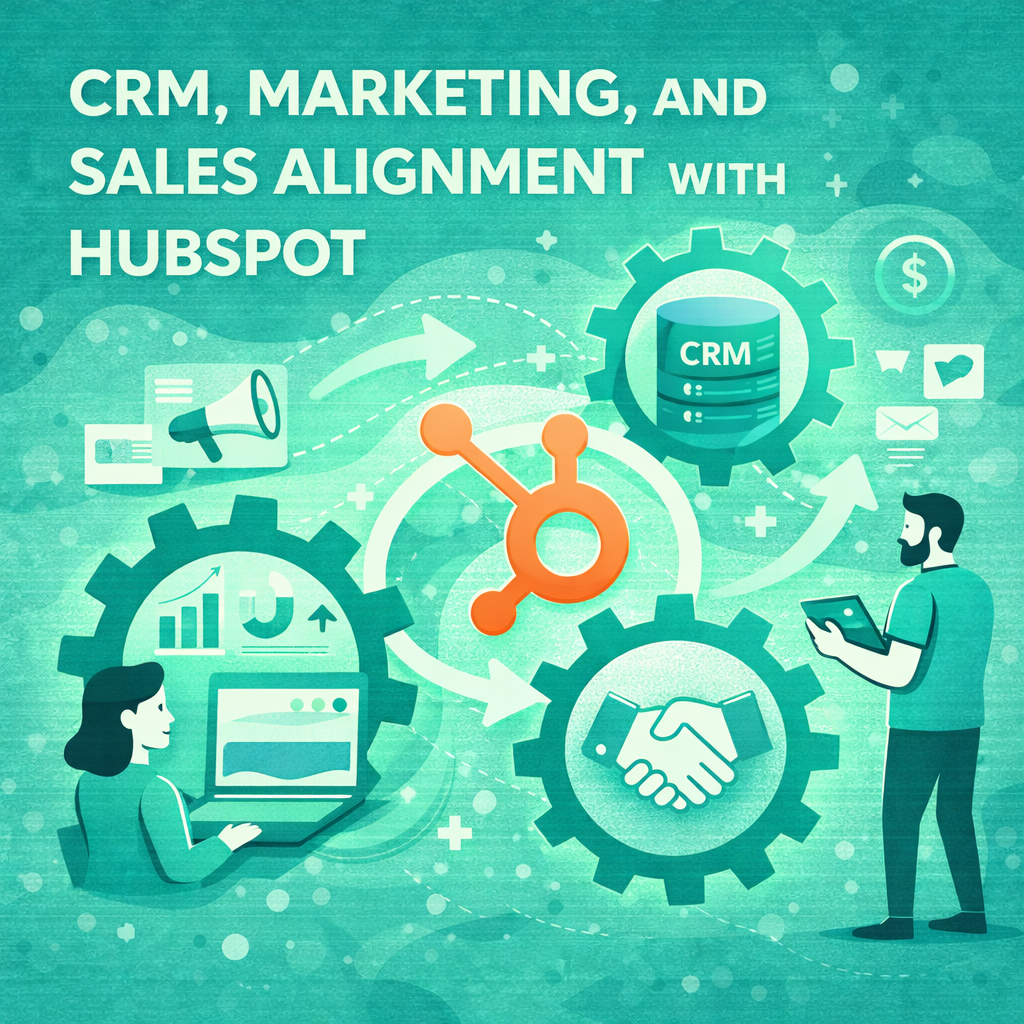
CRM, Marketing, and Sales Alignment with HubSpot
Your CRM is more than just a digital address book. It’s a goldmine of first-party data that holds the key to supercharging your search campaigns, driving better leads, and achieving true sales and marketing alignment. By tapping into this rich source of information, you can move beyond generic keyword targeting and create highly relevant, personalized ad experiences that speak directly to your audience’s needs.
Many organizations still operate with a significant gap between their sales and marketing teams. Marketing generates leads, and sales follows up, but the data often stays in separate silos. This disconnect leads to missed opportunities, wasted ad spend, and a disjointed customer journey. The solution lies in integrating your CRM directly with your search advertising strategy.
Leveraging your CRM data allows you to understand which keywords attract your most valuable customers, not just clicks. It helps you refine your messaging, optimize your bidding strategies, and ultimately, generate a higher return on investment. This guide will walk you through how to align your CRM and search campaigns, with a special focus on using HubSpot to bridge the gap and build a more effective, data-driven marketing engine.
The Power of Sales and Marketing Alignment
Before diving into the technical “how-to,” it’s essential to understand why sales and marketing alignment is so crucial. When these two teams work in harmony, sharing data and insights, the entire business benefits. Marketing gains a clearer picture of lead quality and customer lifetime value, while sales receives more qualified, sales-ready leads.
This alignment creates a powerful feedback loop. Marketing can see which campaigns and keywords are converting into actual revenue, not just form fills. Sales can provide direct feedback on lead quality, helping marketers refine their targeting and messaging. This synergy is foundational to a successful CRM-powered search strategy. HubSpot, with its integrated Marketing Hub and Sales Hub, provides an ideal platform to facilitate this collaboration, ensuring a seamless flow of information between teams.
Using First-Party Data to Enhance Search Ads
First-party data is information you collect directly from your audience—website visitors, leads, and customers. It’s the most valuable data you own because it’s accurate, relevant, and exclusive to your business. Your CRM is the central repository for this data, tracking every interaction a contact has with your brand.
Here’s how you can use this data to fuel your search campaigns:
- Refine Keyword Targeting: Analyze which keywords brought in your highest-value customers. By connecting your ad campaigns to CRM data, you can see which terms led to closed-won deals, not just initial conversions. This allows you to double down on what works and cut spending on keywords that only attract low-quality leads.
- Create Custom Audiences: Use your CRM contact lists to build custom audiences for your search ads. You can create lists based on lifecycle stages, products purchased, or engagement level. This enables you to retarget warm leads with specific offers or exclude existing customers from acquisition campaigns, saving you money.
- Personalize Ad Copy: Your CRM data provides deep insights into your customers’ pain points and motivations. Use this knowledge to write ad copy that resonates on a personal level. For example, you can create different ads for leads in the “consideration” stage versus those in the “decision” stage, tailoring the message to their current needs.
A Step-by-Step Guide to HubSpot CRM Alignment
HubSpot is a powerful tool for achieving sales and marketing alignment. Its integrated platform makes it straightforward to connect your marketing efforts with sales outcomes. Here’s how to align CRM sales marketing using HubSpot to power your search campaigns.
1. Define Your CRM Lifecycle Workflows
The first step is to establish clear CRM lifecycle workflows. A lifecycle stage represents where a contact is in their journey with your company. HubSpot’s default stages include Subscriber, Lead, Marketing Qualified Lead (MQL), Sales Qualified Lead (SQL), Opportunity, Customer, and Evangelist.
It’s crucial that both sales and marketing agree on the definitions for each stage. For example:
- MQL: What specific actions must a lead take to be considered “marketing qualified”? This could be downloading an ebook, attending a webinar, or visiting the pricing page multiple times.
- SQL: What criteria must an MQL meet for the sales team to accept them as “sales qualified”? This usually involves factors like budget, authority, need, and timeline (BANT).
Setting up automated workflows in HubSpot can automatically update a contact’s lifecycle stage based on their behavior, ensuring your data is always current. This is a fundamental component of HubSpot marketing automation.
2. Integrate HubSpot with Google Ads
To create a seamless data flow, you need to connect your HubSpot and Google Ads accounts. This integration allows you to:
- Track ad conversions with more accuracy by importing HubSpot conversion data into Google Ads.
- Build Google Ads audiences from your HubSpot contact lists.
- See which ad campaigns, ad groups, and keywords are generating the most qualified leads and customers.
HubSpot provides a native integration that makes this process simple. Once connected, you can attribute revenue directly to your advertising efforts, providing a clear view of your ROI.
3. Build Audiences from Smart Lists
With the integration in place, you can start building powerful audiences using HubSpot’s Smart Lists. These are dynamic lists that automatically update as contacts meet certain criteria.
Here are a few examples of audiences you can create:
- High-Value MQLs: Create a list of MQLs who have engaged with specific high-intent content. You can then use this list to retarget them on the search network with bottom-of-the-funnel offers.
- Closed-Lost Opportunities: Target contacts who were marked as “closed-lost” opportunities in your CRM. You can create a campaign to re-engage them, perhaps with a new offer or feature announcement.
- Existing Customers: Create a list of current customers to either exclude them from prospecting campaigns or target them with upsell/cross-sell messaging.
4. Optimize Bidding with Offline Conversion Data
One of the most powerful features of integrating your CRM with Google Ads is the ability to use offline conversion data to optimize your bidding. A “conversion” in Google Ads is typically a form submission or a click. However, not all conversions are created equal.
By importing your CRM lifecycle workflows into Google Ads, you can tell Google which clicks turned into actual paying customers. This allows you to use value-based bidding strategies, like Target ROAS (Return on Ad Spend), where Google’s AI will automatically adjust your bids to prioritize clicks that are more likely to lead to high-value customers. This is a game-changer for optimizing your ad spend and is one of the key HubSpot alignment best practices.
Get Started with Better Search Campaigns
Integrating your CRM with your search campaigns is no longer a “nice-to-have”—it’s a necessity for any business looking to gain a competitive edge. By fostering sales and marketing alignment and leveraging the rich first-party data in your CRM, you can create more effective, efficient, and profitable campaigns. Tools like HubSpot make this process more accessible than ever, providing a unified platform to connect your marketing activities with real business outcomes.
Start by having a conversation between your sales and marketing teams. Define your lifecycle stages, agree on lead qualification criteria, and map out your customer journey. From there, you can begin to implement the technical integrations and workflows that will transform your search advertising strategy from a simple lead generation tool into a powerful revenue-driving engine.